API Basics for Business Analysts: How to Read JSON and Write Specifications
API basics for a business analyst rarely mean writing a single line of code. This guide covers how to read JSON payloads and how to write an API specification your development team will actually thank you for.
No coding required. Just precision.
Introduction
If you have ever sat in a meeting where a developer said “the endpoint is returning a 400” and you just nodded along, this guide is for you. Understanding APIs is not about writing code, it is about understanding enough of the conversation between two systems to write requirements a developer can actually build from. In this guide, I will walk through what an API actually is, how JSON payloads are structured, and exactly what belongs in a specification your development team will genuinely thank you for.
What Is an API, and Why Should a BA Care?
An API, short for Application Programming Interface, is what lets two separate software systems exchange data securely, without either one needing to know how the other works internally. Picture a client, the system asking for something, and a server, the system that has what is being asked for, having a structured conversation. The API is simply the language they both agree to speak.
Here is the part that surprises most new BAs: you will never be asked to build one. What you will be asked to do, constantly, is translate a business need into the technical shape that conversation needs to take, which fields matter, what should happen when something goes wrong, and how one system’s data lines up with another’s. That translation work is exactly why understanding APIs at this level matters more for a Technical Business Analyst than knowing how to code ever will.
The Four Building Blocks of Every API Call
Every single API interaction, no matter how complex the system behind it, breaks down into the same four pieces. Once these click, a technical requirements document stops looking like a foreign language.
Endpoints: Where the Request Goes
An endpoint is simply the specific address a client sends its request to, similar to how a street address tells a delivery driver exactly which door to knock on. A banking app’s endpoint for pulling an account balance might look something like https://yourbank.com/api/v1/accounts/balance. You do not need to design that address, but you do need to know which endpoint a given feature is talking to, because that is what tells the development team exactly which functionality your requirement refers to.
HTTP Methods: What Action Is Being Taken
If the endpoint is the address, the HTTP method is the verb, it tells the server what you actually want to do once you get there. Four show up constantly, and each one maps directly onto a business action you would already describe in a user story.
GET pulls existing data without changing anything, like checking an account balance.
POST creates something brand new, like submitting a loan application.
PUT or PATCH updates a record that already exists, like changing a customer’s phone number.
DELETE removes something, like cancelling a pending transaction.
Payload: The Data Being Exchanged
The payload is the actual package of data moving between client and server, almost always formatted as JSON these days. Every payload has two sides. The request is what the client sends over, a customer ID and password, say. The response is what comes back, a session token and a first name, for example. Getting the payload right is where a large share of a BA’s documentation time actually goes, and it is exactly what the JSON section further down walks through in detail.
Status Codes: Did It Work?
After a request goes out, the server always answers back with a status code, a short number telling you exactly what happened. You do not need to memorize the full list, but a handful show up often enough to be worth knowing cold.
| Code Range | Meaning | Example |
|---|---|---|
| 2xx | Success | 200 OK (worked as expected), 201 Created (something new was added) |
| 4xx | Client error | 400 Bad Request (missing or malformed data), 401 Unauthorized (invalid login), 404 Not Found |
| 5xx | Server error | 500 Internal Server Error (something broke on the server’s side, not the client’s) |
Mapping business requirements to these codes is one of the most underrated BA skills there is. If a customer submits a loan application and something goes wrong, what should they actually see on screen? That answer depends entirely on which status code comes back, and someone has to define it. That someone is you.
The BA’s API Documentation Checklist
When you are working on an integration project, four things need to be spelled out clearly in your functional requirements, no exceptions.
Trigger events: exactly when the API call should fire. “When the user clicks Submit Payment” is specific. “When the payment happens” is not.
Data mapping contracts: a field-by-field dictionary showing how your system’s data lines up with the other system’s. First_Name on your side might be fname on theirs, and that mismatch will break something if nobody writes it down.
Business validation rules: the conditions data has to meet before it is ever sent, like confirming an amount field only accepts positive numbers.
Error handling and user messaging: what the end user actually sees if a call fails. A 401 might mean redirecting to a login screen. A 500 might mean a simple “something went wrong, try again” message. Someone has to decide, and leaving it undefined is how support tickets pile up later.
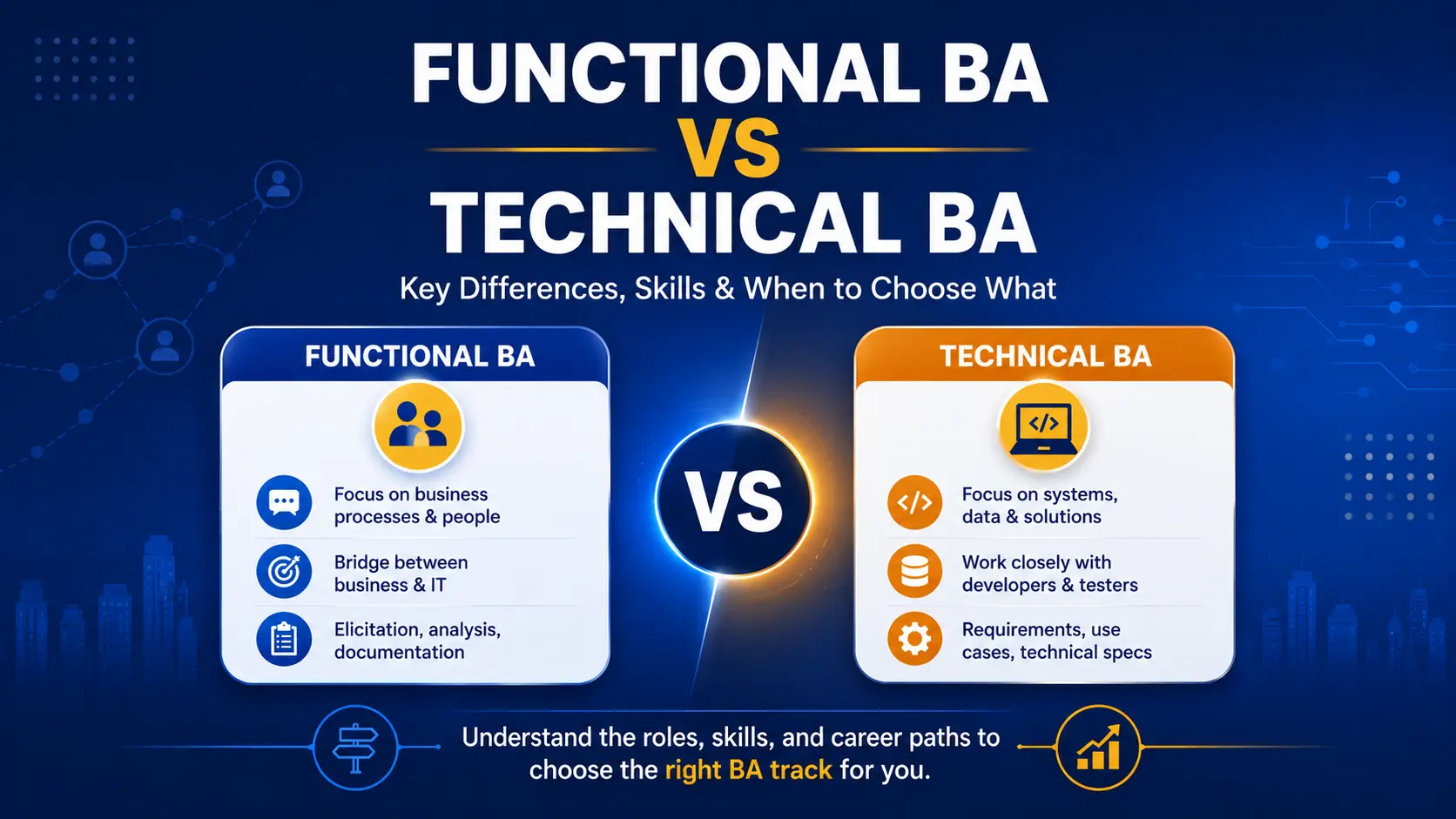
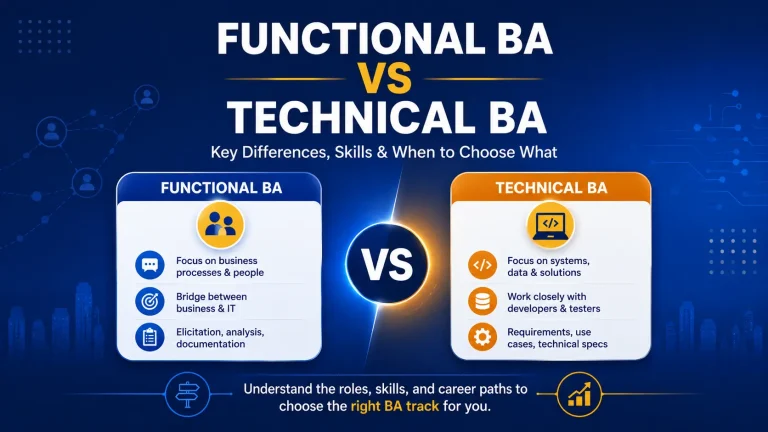
This is one of the clearest lines separating a functional BA from a technical one. A functional requirement can stop at describing the outcome. This checklist is where a technical requirement keeps going.
Tools That Help BAs Validate APIs Without Coding
You do not need an IDE or a development environment to hold your own on an integration project. Two tools cover almost everything you will need.
Postman lets you manually send a test request to an API and see exactly what comes back, which means you can verify a requirement is actually being met without waiting on a developer to demo it for you.
Swagger UI, built on the OpenAPI specification, is essentially a living dictionary of every endpoint a system exposes, what data each one expects, and what it returns. Reading it is often the fastest way to confirm a technical assumption before you write it into a requirement.
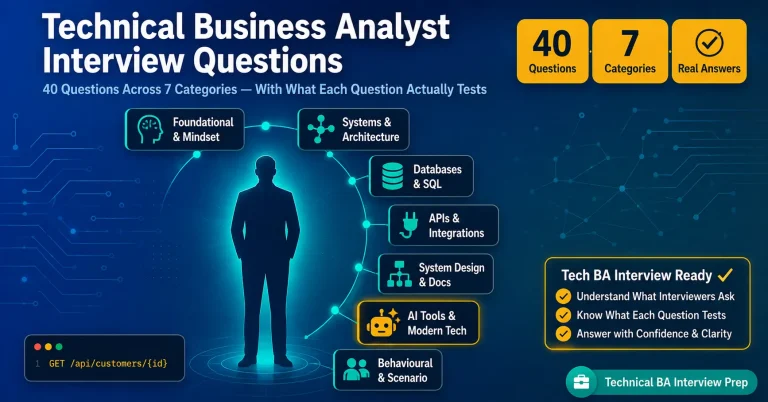
This exact knowledge shows up in real interviews. Questions about REST APIs, status codes, and tools like Postman are now standard in technical BA interviews. Our Technical Business Analyst interview questions guide covers exactly how these get asked.
How to Read JSON
JSON, short for JavaScript Object Notation, is the format almost every modern API uses to package its data. The good news is that it is built entirely out of a small handful of pieces, and once you can recognize each one, a JSON payload stops being intimidating.
Objects, wrapped in curly braces, hold a collection of key-value pairs.
Arrays, wrapped in square brackets, hold an ordered list of items.
Strings are text values, always wrapped in double quotes.
Numbers appear as plain digits, with no quotes around them.
Booleans are simply true or false, used to drive conditional logic.
Null represents a field that intentionally has no value.
Here is what that looks like in a real payload, a simplified banking API response:
{
  "account_id": "ACC-90811",
  "is_active": true,
  "balance": 5400.50,
  "owner": {
    "first_name": "Sarah",
    "last_name": "Chen"
  },
  "recent_transactions": [
    {
      "id": "TXN-001",
      "amount": -120.00,
      "merchant": "Grocery Store"
    }
  ],
  "joint_owner": null
}
Walk through it slowly and every line maps to one of the six building blocks above. account_id is a key-value pair with a string value. is_active is a boolean. balance is a number. owner is a nested object holding two more key-value pairs. recent_transactions is an array containing an object. joint_owner is null, meaning this account genuinely does not have one. Once you can narrate a payload like that out loud, you can read JSON.
Ready to Stop Guessing and Start Reading Real API Docs?
Reading a sample JSON payload in an article is one thing. Doing it confidently on a live client integration is another. Techcanvass’s Technical Business Analyst Course covers APIs, JSON, Postman, and specification writing through hands-on, project-based learning, including a capstone integration project.
How to Write an API Specification
An API specification is the document that tells a developer exactly how an endpoint should behave, without requiring you to write a single line of the code that builds it. Five components show up in almost every specification you will write.
| Component | What It Covers |
|---|---|
| Endpoint (URL) | The exact web address the resource lives at |
| HTTP method | The verb defining the business action being taken |
| Headers | Hidden metadata like authentication tokens, sent alongside the main data |
| Request body | The data the client sends, mainly relevant for POST and PUT calls |
| Response body & status codes | Exactly what comes back, and the code that tells you whether it worked |
Here is what a real specification looks like once those five pieces come together, using a loan application as the working example.
Functional Requirement Specification
Request Parameters (Body)
| Field Name | Data Type | Required? | Business Rules / Constraints |
|---|---|---|---|
| customer_id | String | Yes | Must map to an existing, verified account |
| loan_amount | Number | Yes | Minimum value is 1,000, maximum is 50,000 |
| term_months | Number | Yes | Allowed values are strictly 12, 24, 36, or 48 |
| promo_code | String | No | Must convert text to uppercase before processing |
Expected Success Response (201 Created)
{
  "application_id": "APP-2026-XYZ",
  "status": "PENDING_REVIEW",
  "submission_date": "2026-08-13"
}
Expected Error Response (400 Bad Request)
{
  "error_code": "INVALID_TERM",
  "message": "The term_months field must be 12, 24, 36, or 48."
}
Notice how every field has a business rule attached, not just a data type. That is the difference between a specification a developer can build from immediately and one that generates three follow-up questions before anyone writes a line of code.
Common Mistakes BAs Make with API Requirements
Documenting only the happy path and leaving error scenarios undefined.
Describing a field’s purpose without specifying its data type or format.
Assuming a field name matches across systems without confirming it in a data mapping contract.
Writing “the system should update in real time” without defining which HTTP method or trigger event that actually depends on.
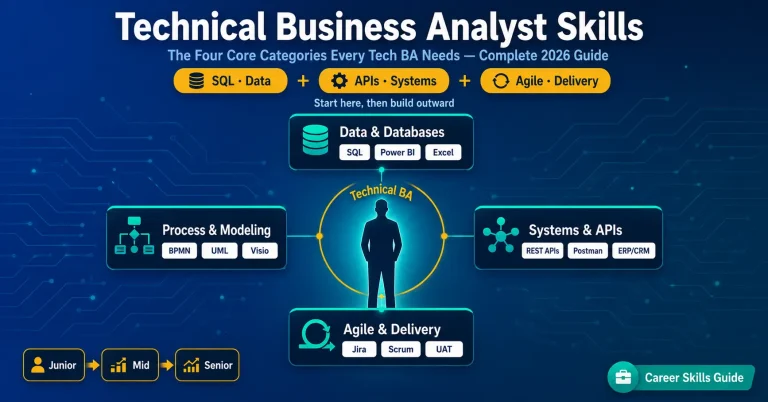
Every one of these traces back to the same root cause: treating an API requirement like a business requirement with technical words sprinkled on top, instead of genuinely specifying the how. Building that specific muscle is a big part of what separates the core technical business analyst skills from general BA fundamentals.
Related Tech BA Reads
APIs are one piece of the technical layer. Here is the rest of the roadmap.
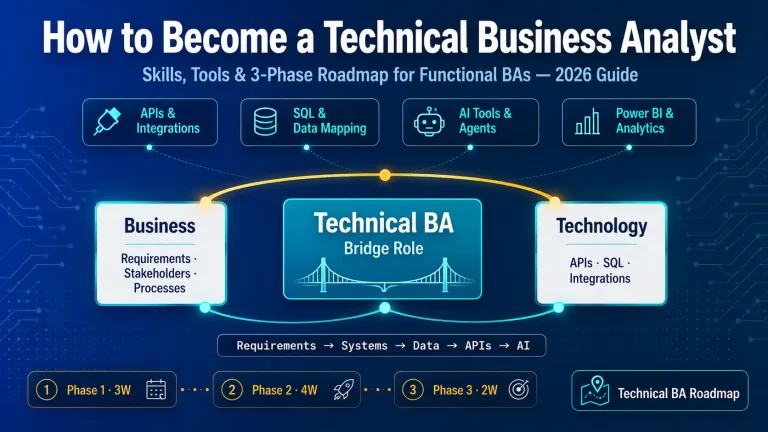
The full roadmap this API guide is one module of, from first principles to your first 90 days.